A fan-made WoW roguelite
Azeroth Survivors
Play Aethus's original online, or explore the open-source community reconstruction with your own World of Warcraft 1.12.1 data.
The original game needs no local Data folder or launcher. Open original in a new tab.
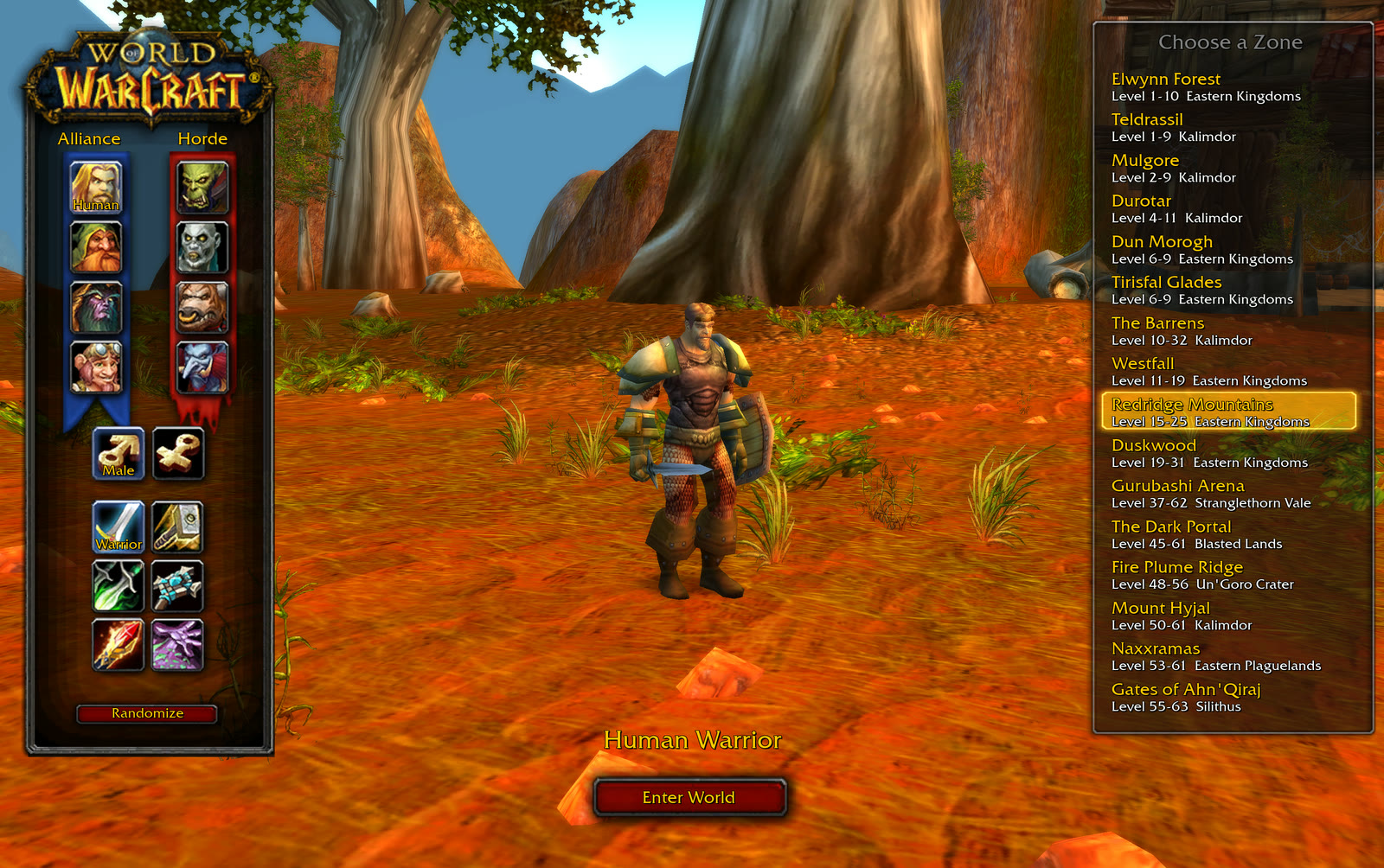
Prefer the community engine?
The open-source reconstruction uses your own WoW 1.12.1 Data folder and a Windows local data host. Your game files stay on your PC.
Inside the community reconstruction.
These screenshots show the open-source edition. Pick a class and a battleground, keep moving, and shape your abilities with every level-up.
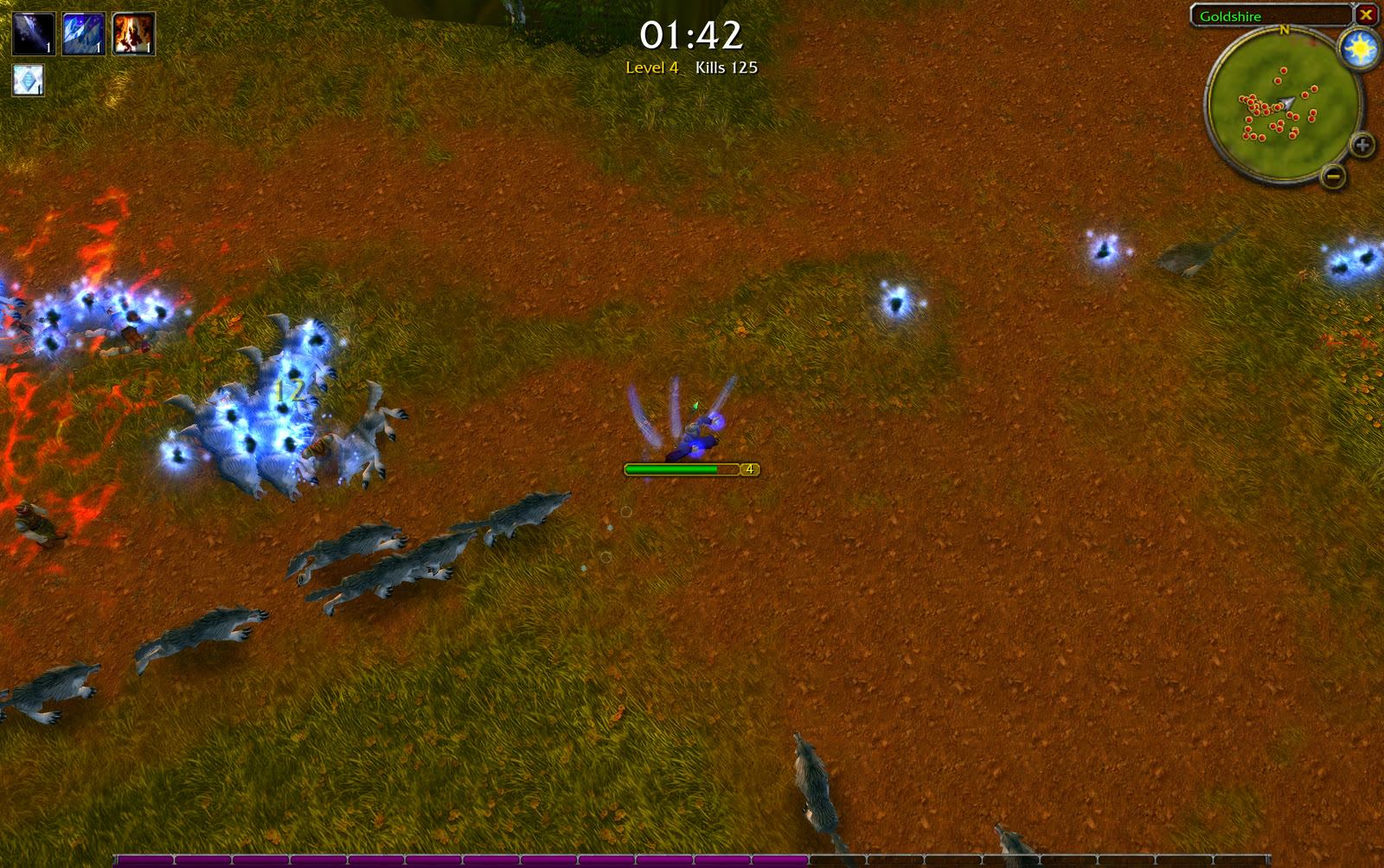
Survive the swarm
Your spells fire automatically. Keep space between you and the horde, and save your movement spell for an escape.
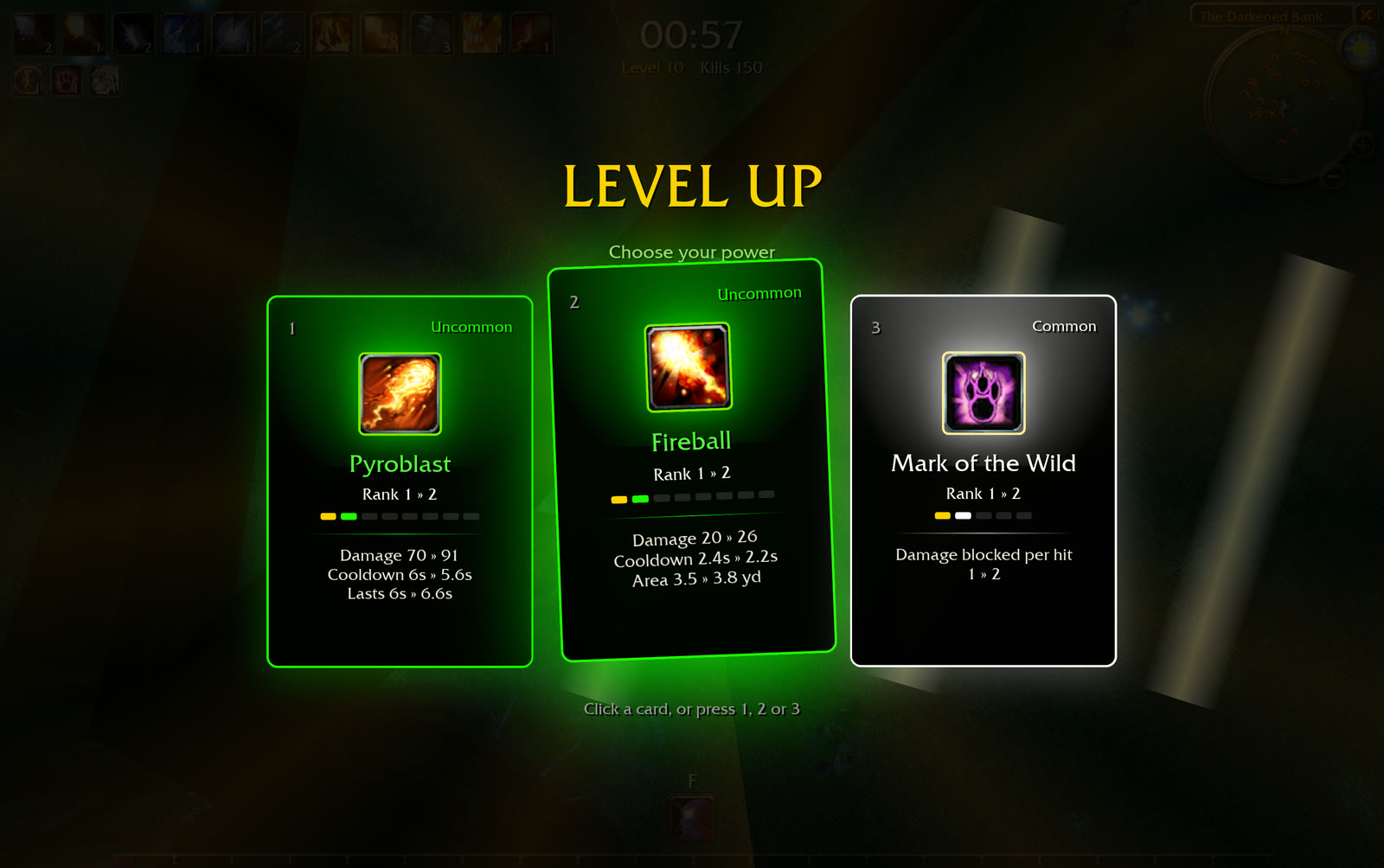
Make every upgrade count
Choose a new ability or improve an existing one. Upgrade cards show the changes before you commit.
Community class guide.
Steel, shadow, frost or fire. In the reconstruction, every class starts with its own attack and unlocks a signature movement spell at level 5.
Explore classes & buildsExplore the community engine.
Our guides cover the open-source reconstruction. The original game's controls, balance and progression can differ.
Choose how you play
Can I play without a local Data folder?
Use Play online to load Aethus's original game on this site. No Windows launcher or local Data folder is required. You can also open the original directly in a new tab.
Which version do the guides describe?
The guides and screenshots here describe the community reconstruction from azeroth-survivors-re. It is separate from Aethus's original. Controls, abilities, balance and progression can differ, and you should not assume that saves transfer between these games.
How do I launch the community engine?
Start the Windows local data host with your own WoW 1.12.1 files, then open the community engine launcher. The browser connects to your PC at 127.0.0.1:8090. See the setup guide.
Does the community engine need a WoW account or server?
Its survivors mode does not require a login, realm or game account. It does require the WoW 1.12.1 client data that the engine reads locally.
Does the community engine work on Android or iPhone?
This distribution uses a Windows local data host and keyboard controls. Android and iPhone are not supported by this setup. See community engine requirements. The original's requirements are handled by wow.aethus.pl.
Are my local game files uploaded?
For the community engine, the local host reads your selected Data folder through the loopback address on your PC. This site does not receive or host your MPQ archives. The original runs separately on Aethus's site.
Azeroth Survivors was created by Aethus. This independent site links to the original and separately offers the open-source benilla / wenilla community reconstruction. Credits & licenses.